
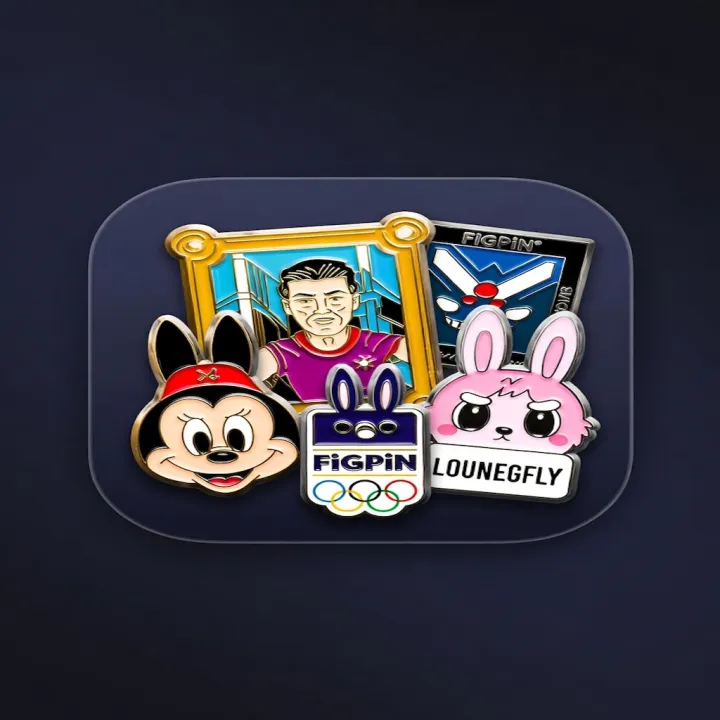
Disney traders
Hidden Mickey, OE/LE, cast lanyard, park exclusives. Track the board before a hotel-room trade night.
iOS + Android · In beta
Identify. Collect. Trade.
The permanent digital board for pin traders. Snap a photo of an enamel or collector pin, get assistive ID, keep the pieces you actually own, and trade peer-to-peer. Not a store. Not official brand authentication.
iOS and Android in beta · Category-first ID · My Shelf · Peer trades · Backup when signed in
Who it’s for
Park traders, FiGPiN collectors, Loungefly hunters, and mystery-box people share the same shelf. The category changes. The honesty does not.
Hidden Mickey, OE/LE, cast lanyard, park exclusives. Track the board before a hotel-room trade night.
Number, character, chrome variants, box. Catalog the ones you actually own — not a fake certificate.
Backer cards, glitter, parks collabs. Notes, flags, and research links instead of a storefront.
Post from inventory, browse the feed, chat in-app. Trades are between collectors. We do not insure them.
Permanent pillars
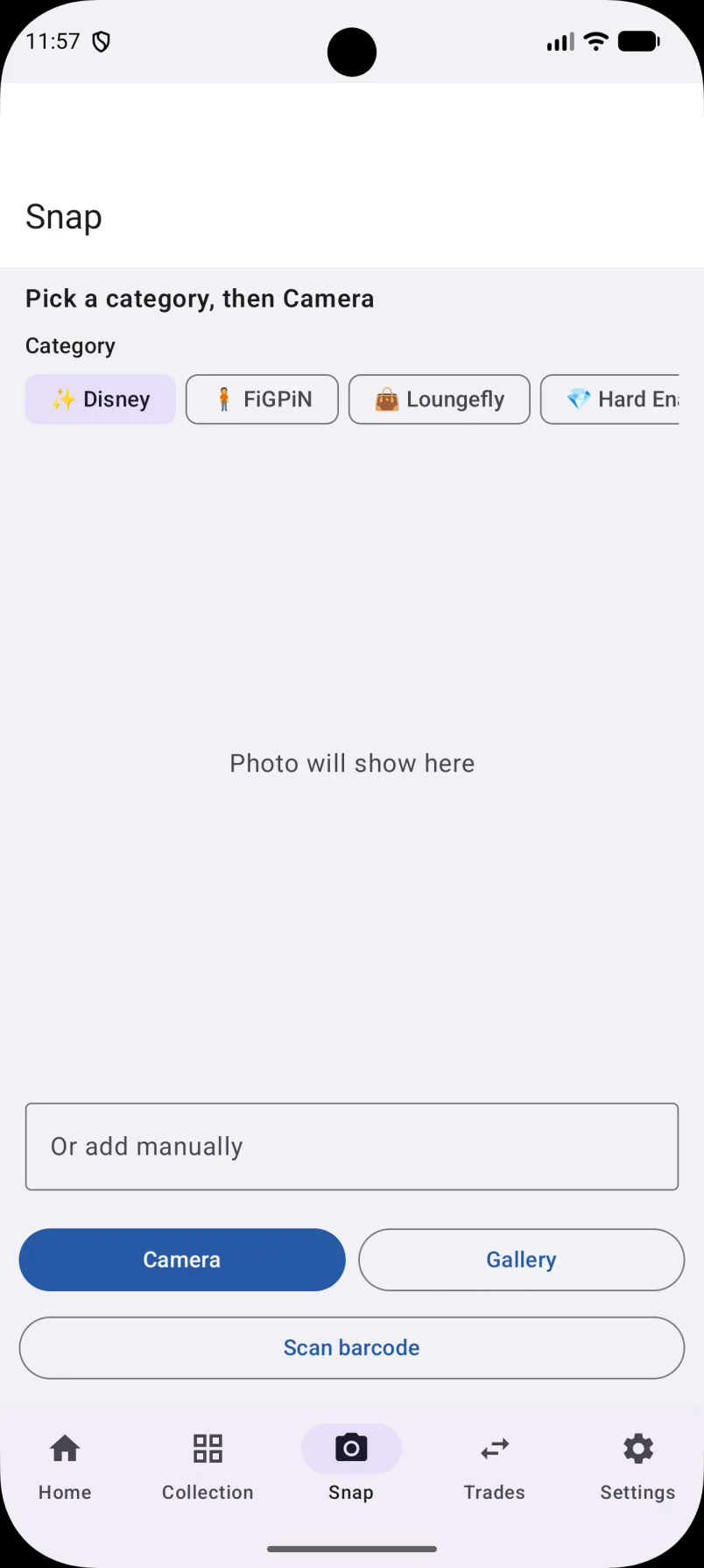
Photograph a pin and choose a category. Disney, FiGPiN, Loungefly, Olympic, enamel types, mystery, sports, or Other.
Face, backstamp, and card when you have them. Results help collectors catalog — they are not official brand authentication.
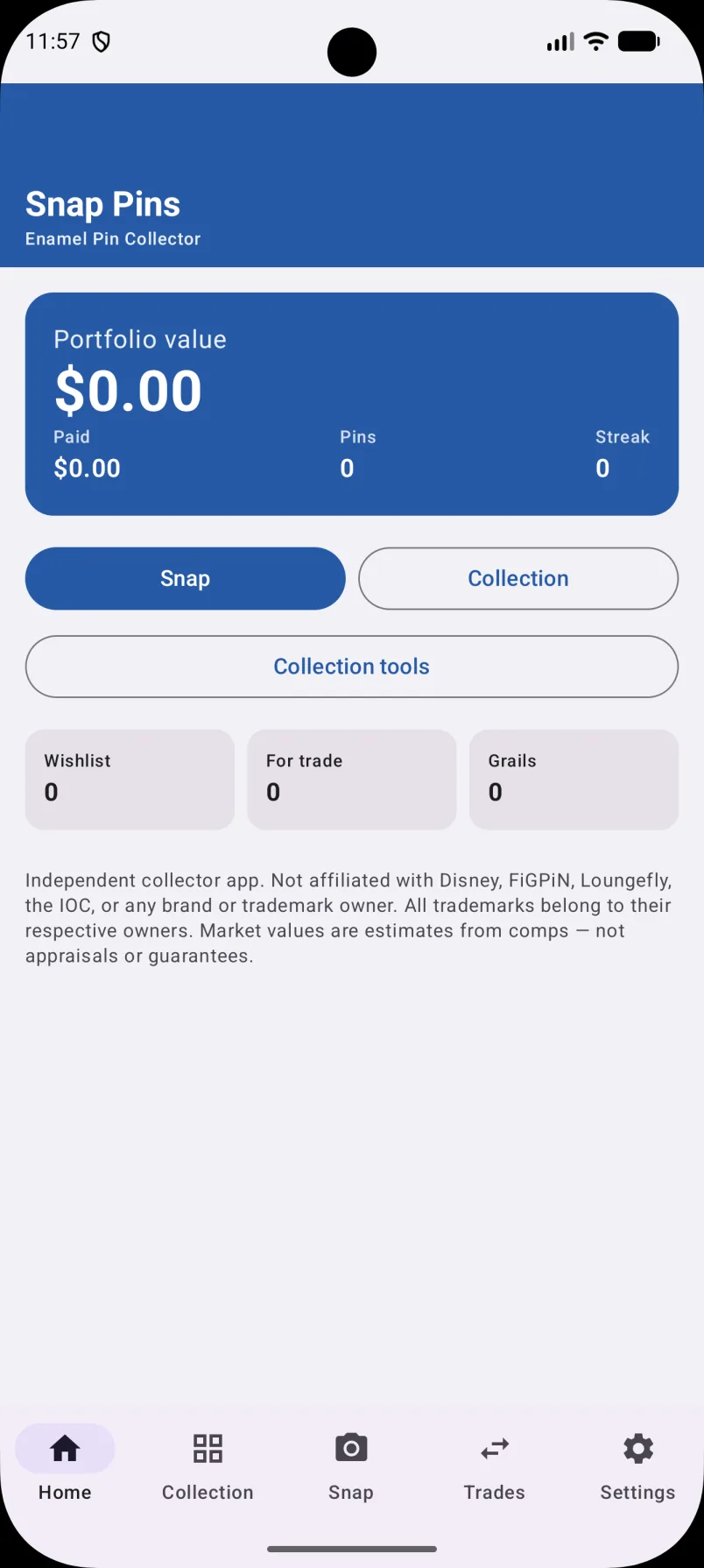
List or shelf-style views. Filter collection, wishlist, and for-sale. Keep notes on the pieces you care about.
Post offers from inventory, browse the feed, open trade detail, chat in-app. Username plus optional Facebook helpers.
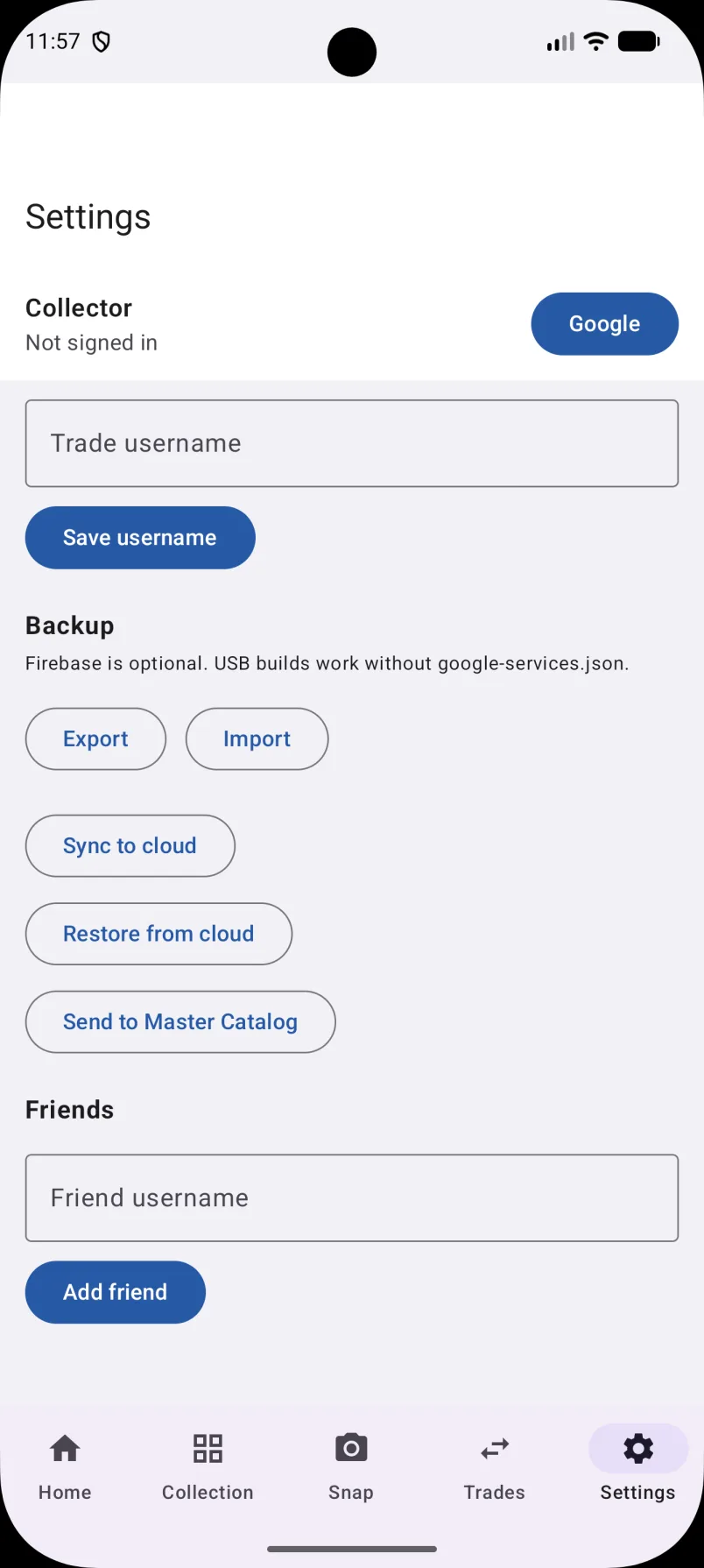
Apple on iOS. Google on Android. While signed in, back up and restore so a new phone does not mean starting over.
Wishlist and for-sale flags. Marketplace research links biased to pin searches. Prices are research only.
Scan Live
Category selection keeps identification on the right shelf of enamel. Scanning blind is how a Hidden Mickey gets called a sports pin.
Disney, FiGPiN, Loungefly, Olympic, Soft Enamel, Hard Enamel, Mystery/Blind, Limited/Exclusive, Fantasy/Gaming, Sports, and Other. You can still add a pin manually.
Collection Live
More than an identifier — a personal pin collection with list and shelf views.
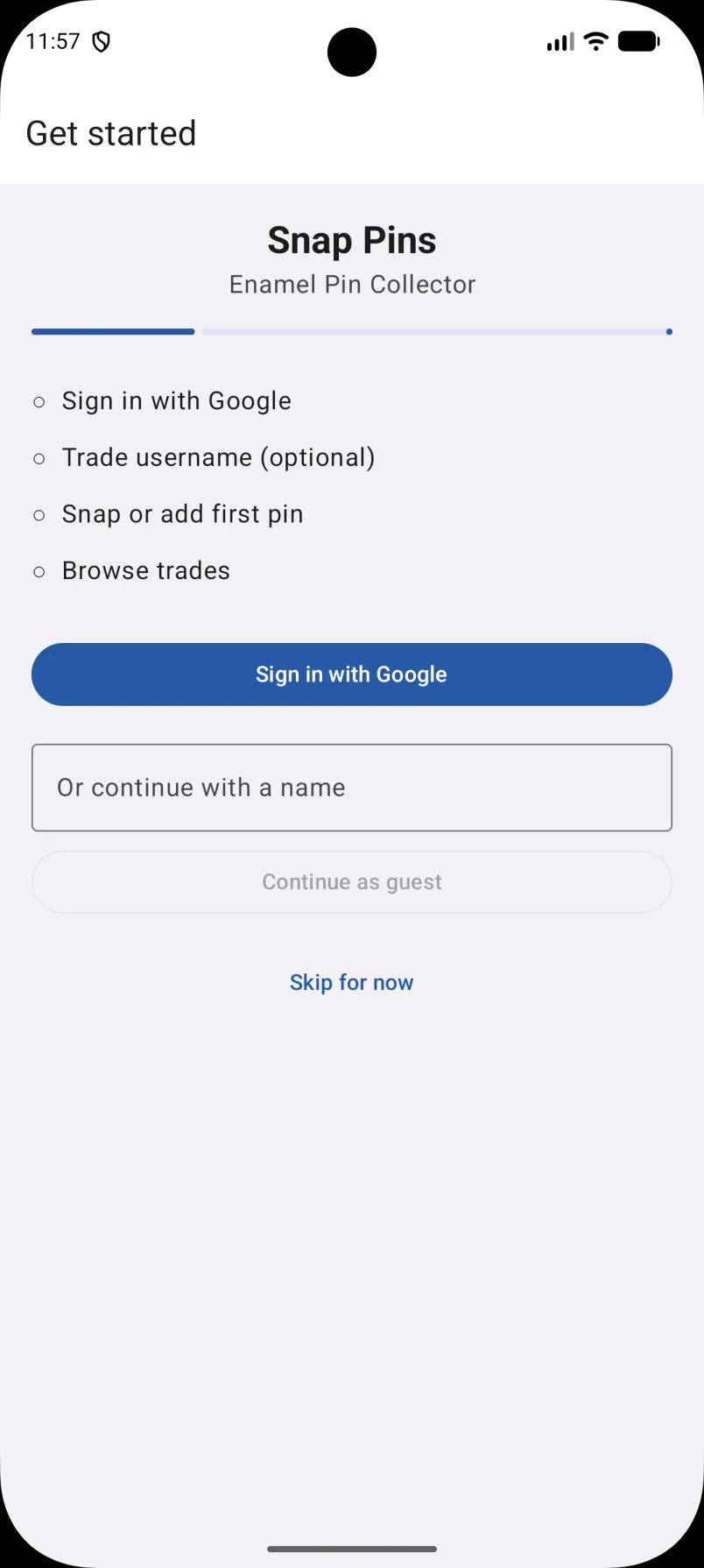
Disney · Soft enamel. Park exclusive. Clean rubber clutch.
FiGPiN · Chrome variant. Boxed. Open to trades or cash.
Loungefly · Hard enamel. Looking for mint with backer card.
Mystery / Blind · Limited. Swipe right to pre-fill an offer.
Honest by design
Not official Disney, FiGPiN, Loungefly, or any other brand authentication. Marketplace prices are research only. We do not insure trades.
Trades Live
Pick a pin you already logged. Set a username. Browse the feed. Talk to the other trader.
Optional Facebook helpers if that is how your group already talks. Snap Pins does not hold funds, ship pins, or guarantee outcomes.
How it works
Open the camera and photograph your enamel or collector pin — face, backstamp, and card if you have them.
Pick Disney, FiGPiN, Loungefly, and more so identification stays focused on the right shelf of pins.
Add it to your collection. Flag wishlist or for sale. See it in list view or on My Shelf.
Post an offer from inventory, browse the feed, and chat with other traders in-app. Peer-to-peer only.
Categories on scan
Ownership
Not a slogan. Photos exist to identify and catalog pins. Account features stay behind sign-in.
Pin photos — face, backstamp, card — for identification and your collection. Not unrelated uses.
iOS uses Sign in with Apple. Android uses Google. Cloud backup and restore require being signed in.
Username and optional Facebook helpers are information you provide so other traders can reach you.
This marketing site is static. The beta form sends App name, phone OS, and email. No analytics SDK.
FAQ
What Snap Pins does — and what it does not claim.
Beta
Snap Pins is in closed beta on iPhone / iPad and on Android. Request a tester slot. We get App name, phone OS, and your email — nothing else.
Android tester URL
This URL will be active once your email has been added to the tester list. Please allow up to a few hours. Google does not auto-send emails to testers — if you leave without this link, you will not get another one automatically.
You have to acknowledge this before leaving the form. Requested for .
Mail service missed. After you save the URL, open a draft to admin@snapcollectibles.com.
You’re on the list
We’ll add to the tester list.
Keep https://play.google.com/apps/internaltest/4700882868660628431. It goes live once your email is on the tester list — usually within a few hours. Google will not email you the invite.